Three steps to viral content.
Import. Analyze. Export. No cloud. No subscription. No learning curve.
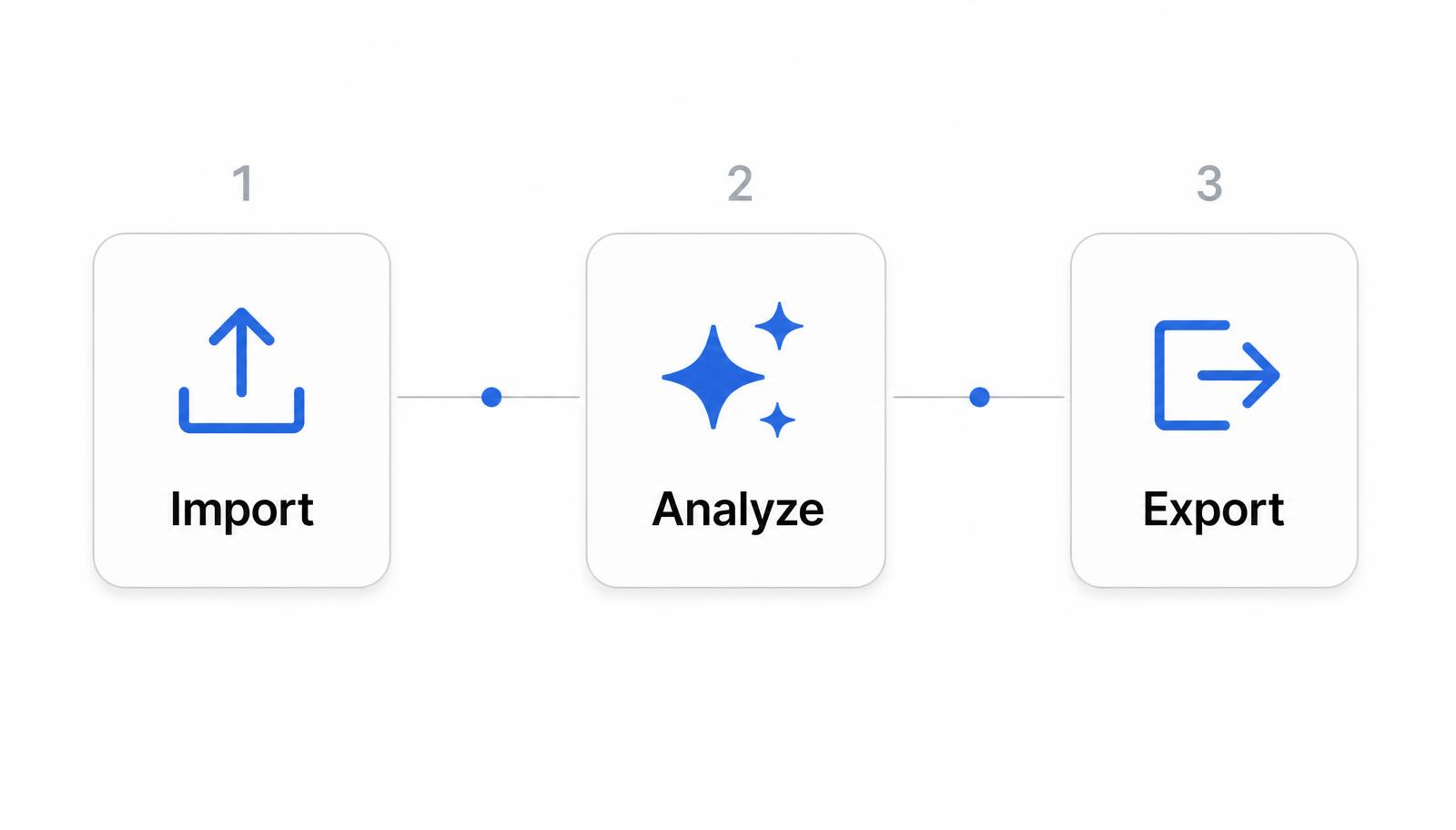
01Import
Drop your video. We'll handle the rest.
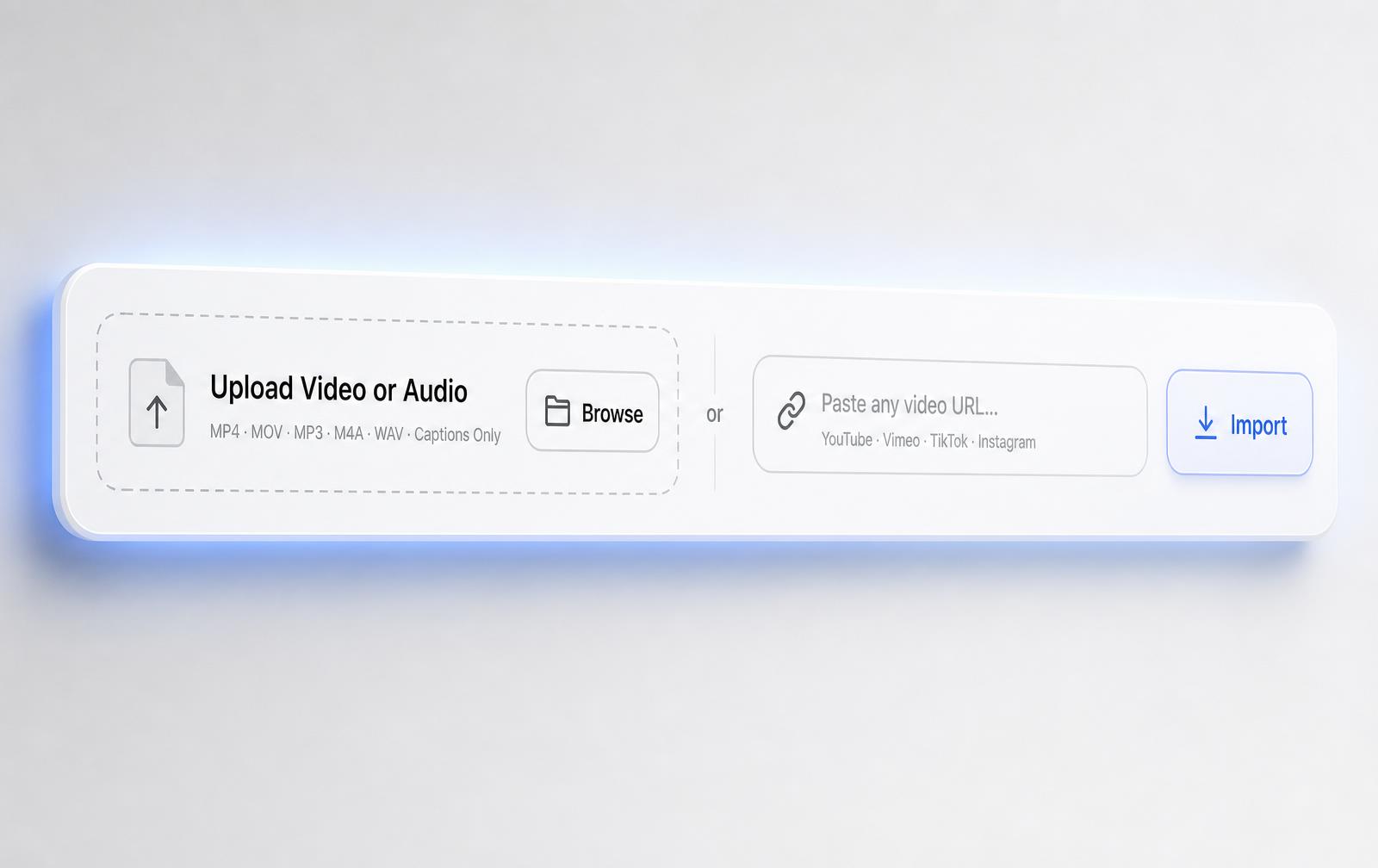
Drag and drop any long-form video directly into ClipChip.ai. No conversion needed. No file size caps imposed by a server.
And nothing uploads. A cloud clipper would spend the next several minutes — often longer than the edit itself — pushing a multi-gigabyte file up your connection before it can even start. Your file is already on the drive, so analysis begins immediately.
Supported Formats
- MP4— Universal video compatibility
- MOV— Native Apple format
- MP3— Audio-only podcasts and interviews
- M4A— Apple audio and voice memos
- WAV— Uncompressed audio sources
- Captions Only— Import a transcript directly
URL Import
- YouTube— Paste any public video link
- Vimeo— Professional hosting imports
- TikTok— Short-form content
- Instagram— Reels and video posts
Max duration: Up to 6 hours per video. Process full podcast episodes, webinars, live streams, or long-form interviews in one pass.
02Analyze
On-device AI does the work.
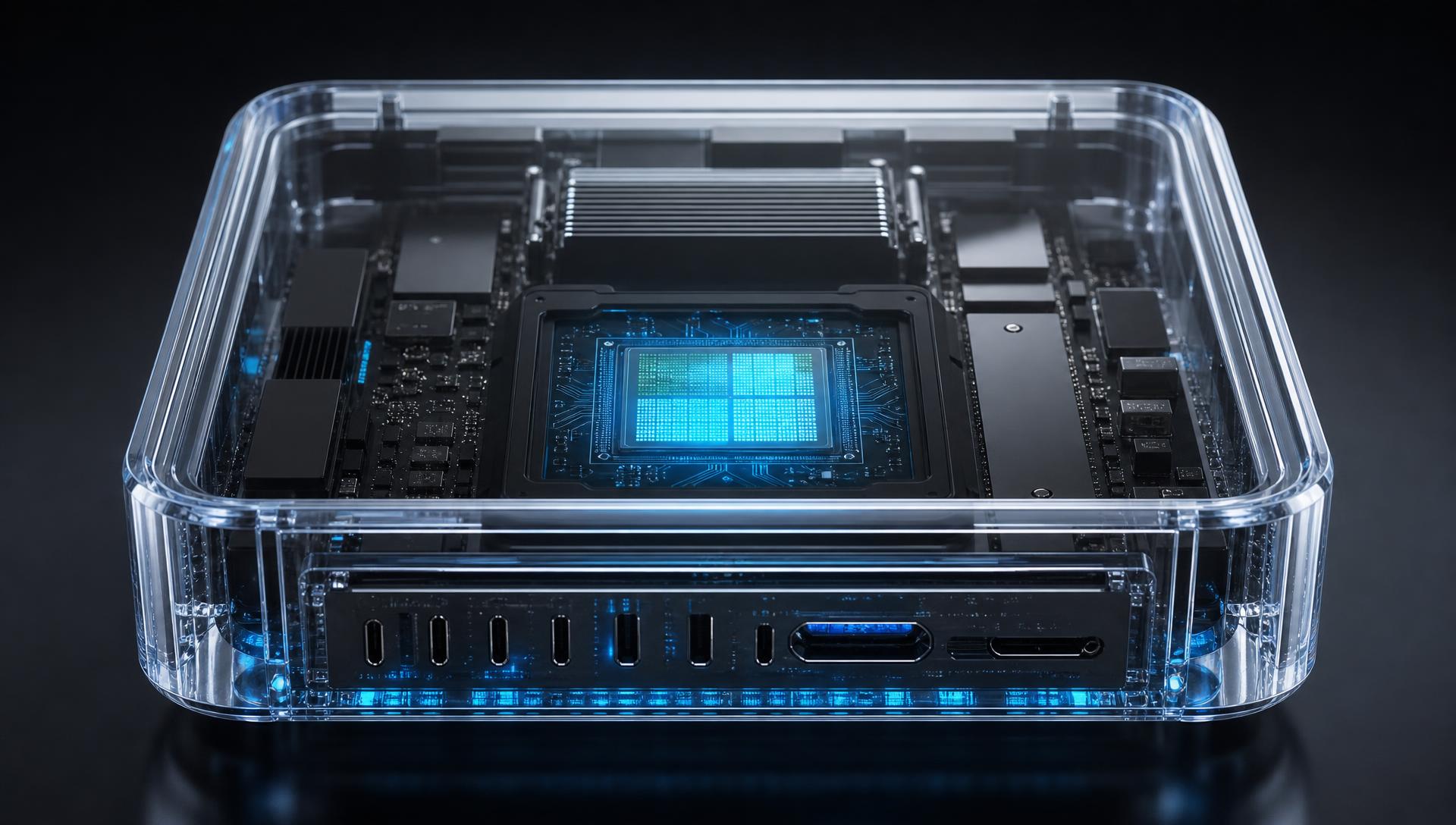
Optionally type a focus prompt to tilt scoring toward the subject you care about, then let it run. Everything happens on your Mac: transcription, scoring, and reframing — with no cloud inference at any step.
What happens automatically:
- Full transcript generated on-device
- Each segment scored for viral potential
- Karaoke captions time-stamped per word
- Filler words and silences flagged
- Auto-reframe crop path calculated
No internet connection required during analysis. Nothing is sent to any server.
03Export
Review, refine, and export to your drive.
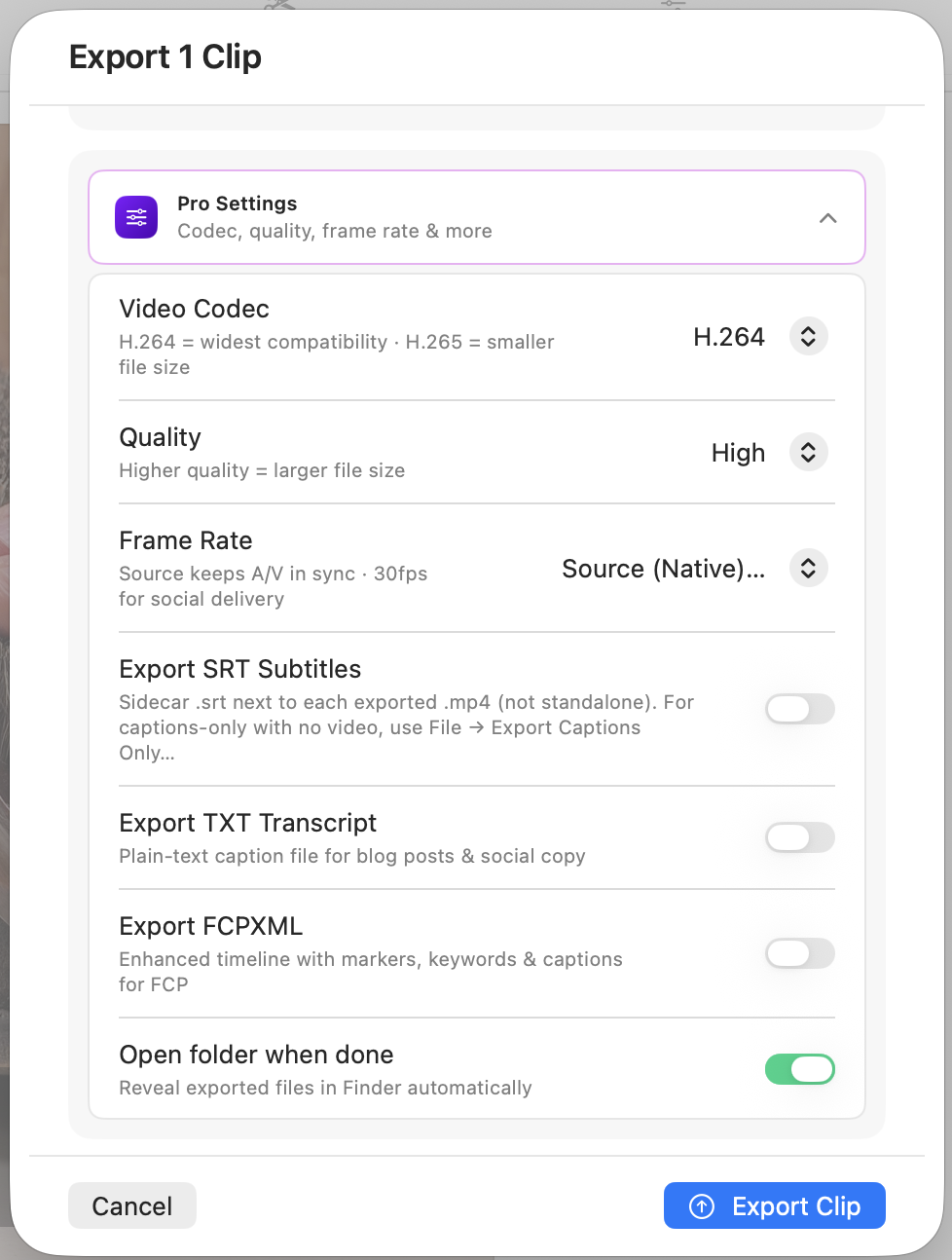
Browse your ranked clips in the review panel. Adjust caption style, trim edges, toggle filler removal, and select your aspect ratio. When satisfied, export directly to your local drive — no upload, no render queue, no waiting on a cloud server.
- Clips sorted by virality score descending
- In-app caption editor with live preview
- Export to 9:16, 4:5, 1:1, 4:3, or source ratio in one click
- Files saved directly to your chosen folder
The whole flow, at a glance.
| Step | Action | What You Do | Estimated Time |
|---|---|---|---|
| 01 | Import | Drag and drop your video file | Under 30 seconds |
| 02 | Analyze | Add an optional focus prompt, let it run | Scales with video length |
| 03 | Export | Review clips, adjust, export | 5–15 min depending on clip count |
Watch a 60-minute podcast become 10 scored clips in under 8 minutes.