Turn one long video into clips worth posting.
- A native Mac app. Nothing renders in the cloud.
- Finds, captions, reframes, and exports short-form clips.
- Posts to YouTube or Instagram Reels when you choose to.
- No credits. No subscription.
Forever Free includes every core feature, 3 exports per day, 720p exports, and a ClipChip.ai watermark. No credit card required.


Long recording — up to 6 hours, imported locally
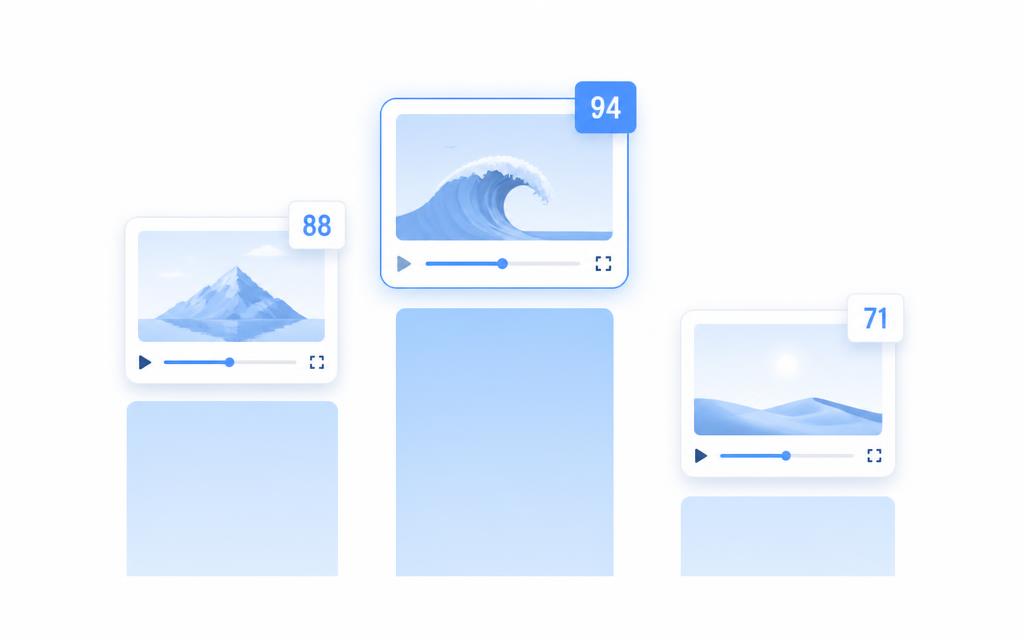
Highlights scored on device — no upload, no credits


Instagram Reels
9:16 · captioned and reframed


TikTok
9:16 · captioned and reframed

YouTube Shorts
9:16 · captioned and reframed
- 3 free exports every day
- 720p + ClipChip.ai watermark on Free
- Unlimited, watermark-free 4K exports with Lifetime
- Pay once. No subscription.
- On-device processing
- Made for content creators, by a content creator
Notarization & program memberships
- Apple notarizationDeveloper ID notarized for Gatekeeper
- NVIDIA InceptionStartup program member
- Microsoft for StartupsStartup program member

Independent notarization and startup program memberships. Not endorsements, partnerships, or investments from Apple, NVIDIA, or Microsoft.
What creators say.
“honestly didnt expect much but it actually finds the good parts of my podcast clips faster than i can scrub through the timeline myself. saved me like an hour on my last upload”
Marcus T. · podcast editor
“i do a lot of thrifted product videos and this thing actually catches the moments where i'm talking not just when i move around. still tweak stuff after but its a solid starting point”
Jenna R. · content creator
“one time price sold me tbh, i was so tired of paying monthly for 3 different editing subscriptions. this one just sits on my mac and works”
Dev K. · freelance video editor
Your footage stays yours
Processing happens on your Mac — transcription, scoring, captions, and reframing. Nothing gets uploaded to a cloud editor to be clipped.
Less waiting, more posting
Apple Silicon acceleration end to end, with hardware video encoding roughly 3–5× faster than a software encode. No upload time, no download time, no render queue.
Pay once. Keep creating.
Start on Free Forever, then unlock Lifetime for $99 once — unlimited, watermark-free exports with no monthly bill and no credits to ration.
Every step of the workflow, handled on device.

Dual-Speaker Mode
Two-person interviews, both faces in one vertical clip.
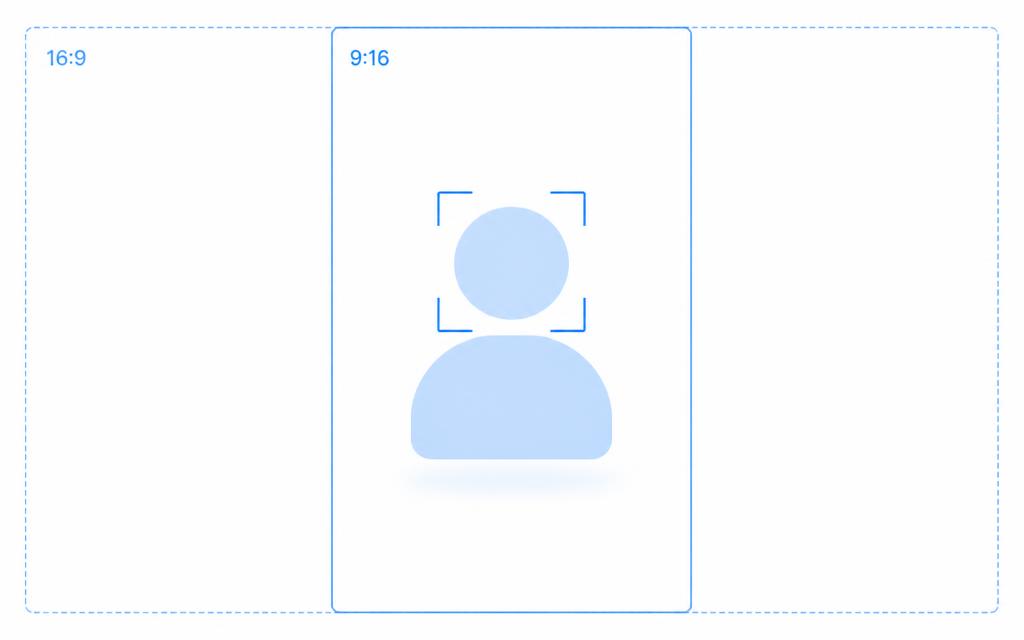
Point ClipChip at a landscape interview and it detects the two faces on camera, then gives each person their own half of a 9:16 frame — stacked top and bottom, or side by side. Pan, zoom from 1× to 5×, and swap sides before export. Both people stay on screen the whole time.
Face detection, on-device
Up to 10 frames are sampled and Apple Vision groups faces left and right of centre into Speaker A and Speaker B.
Two layouts, your call
Stacked gives each speaker a wide 9:8 pane. Side by side gives each a tall 9:16 pane. Auto-Reframe defaults to stacked.
What it isn't
No audio diarization, no cutting to whoever is talking, no 3+ speaker layouts, and crops are static rather than tracking movement.
For Solo Creators
One long recording. A week of content by lunch.
- Drop in a podcast, stream, or webinar and get up to about 10 scored clips, each targeting roughly 45 seconds.
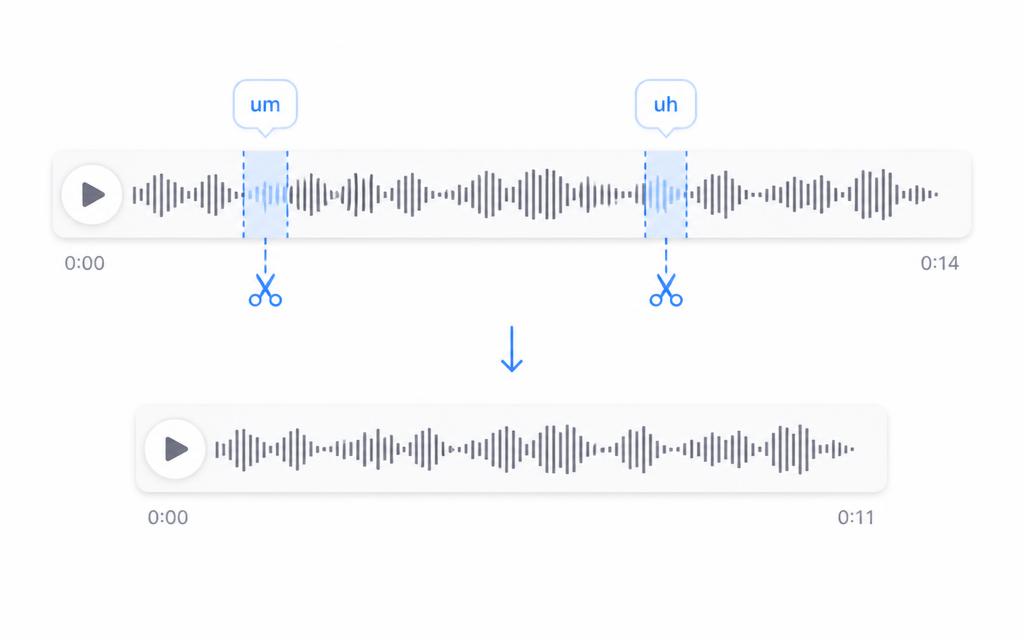
- Captions and reframing are applied for you. Filler-word Clip AI is one tap in the clip editor when you want it.
- Export MP4s for TikTok. Post Now to YouTube or Instagram Reels from the app.
For Agencies
Client footage that never touches the cloud.
- NDAs stay intact. Every frame is processed locally on your team's Macs.
- One Lifetime purchase per editor — $99, once. No per-seat cloud fees.
- Unlimited exports on Lifetime means predictable margins on every retainer.
The time you get back
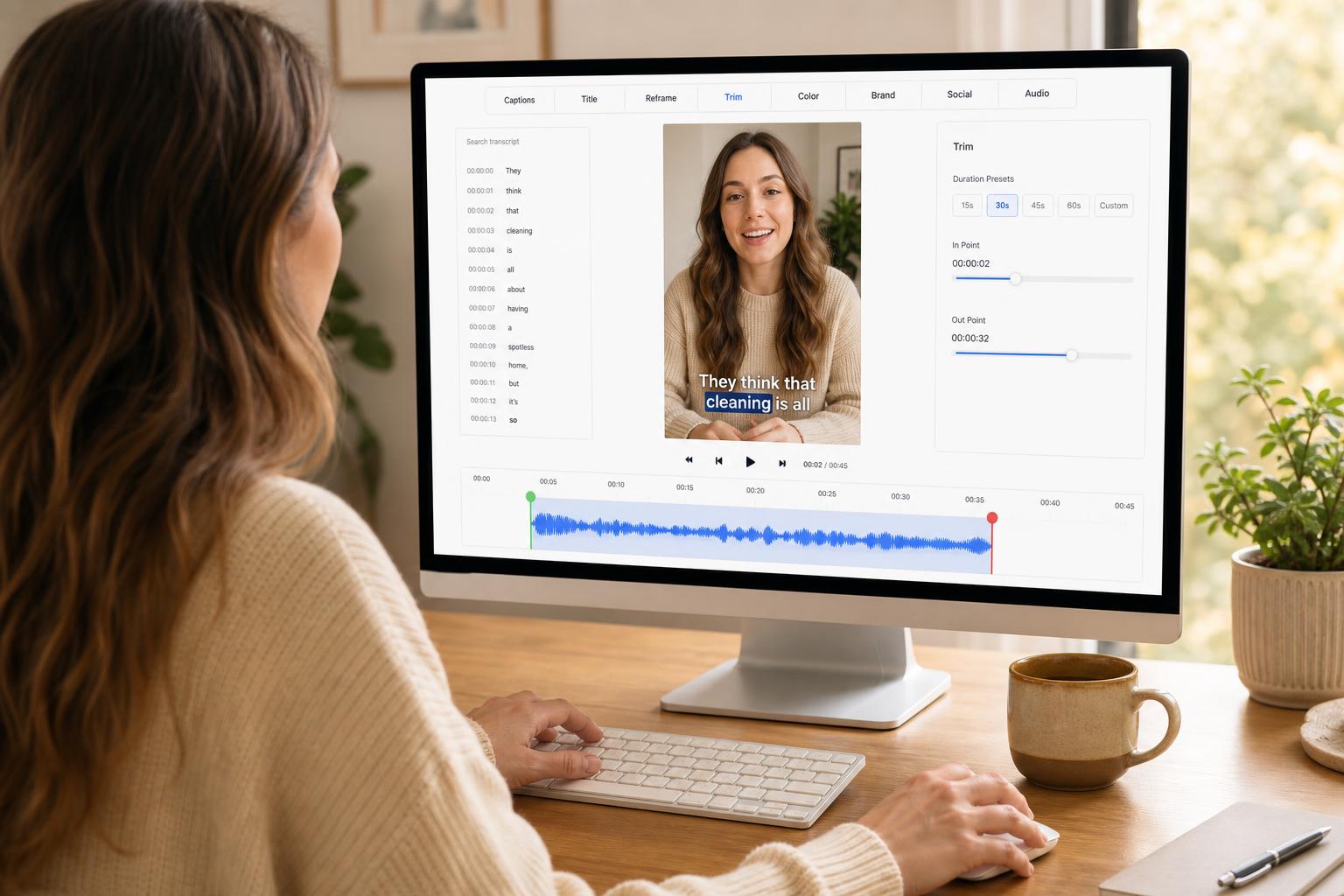
A full workday back, every week — by editing words, not a timeline.
No timeline scrubbing. Select the exact words you want in the transcript and the video cuts to the split second — frame-accurate, no manual trimming, no guessing where a clip starts or ends.
Early users tell us this is the first AI editor that felt genuinely intuitive, not just automated — and that they got more time back than they expected to save.
And because every step runs on your Mac, there's no upload, no render queue, and no download round-trip to wait on either.
Three steps. One long video becomes a week of posts.
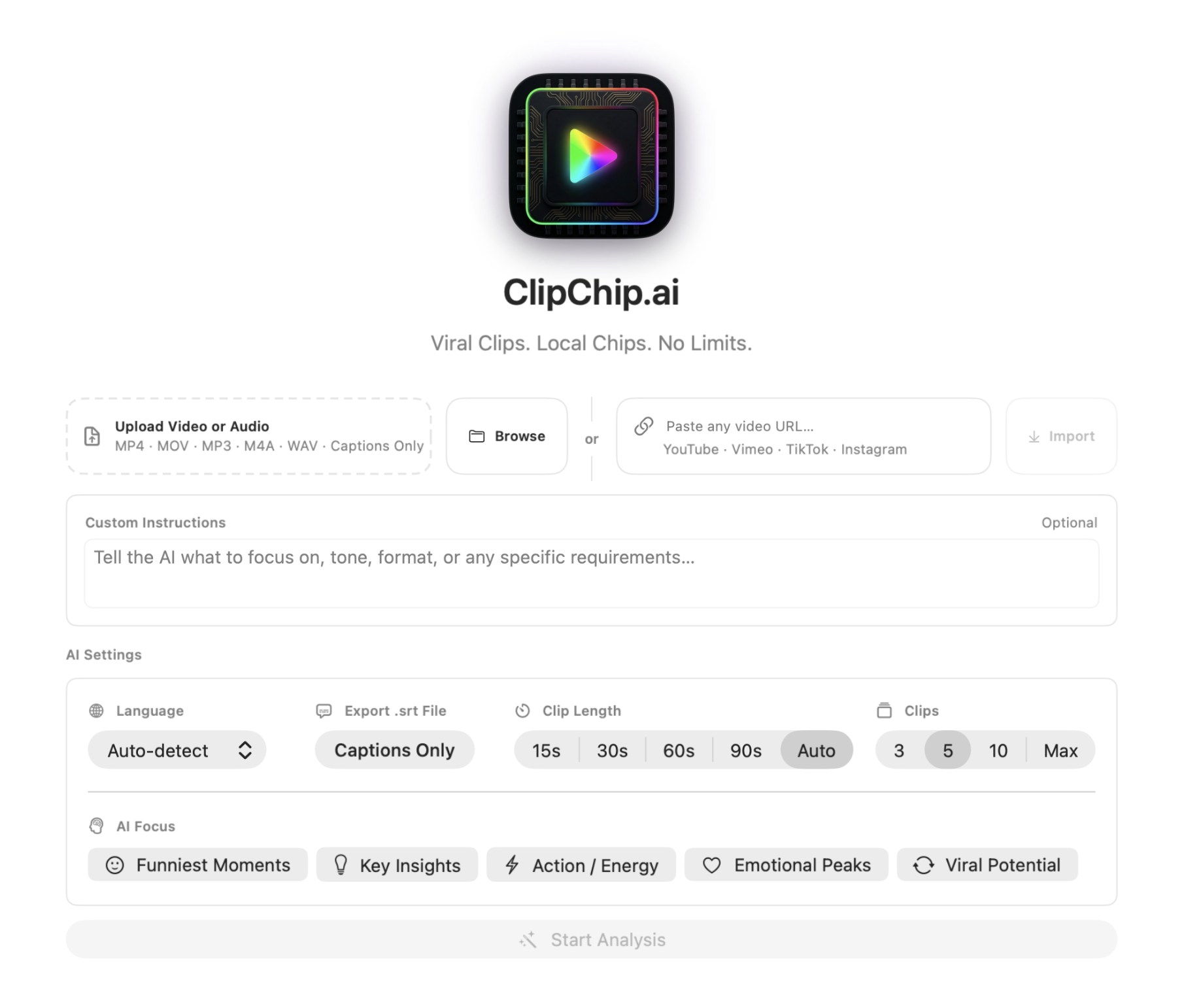
Import a long video
Drop in a podcast, stream, webinar, or screen recording from your drive.
Let ClipChip find and polish your best moments
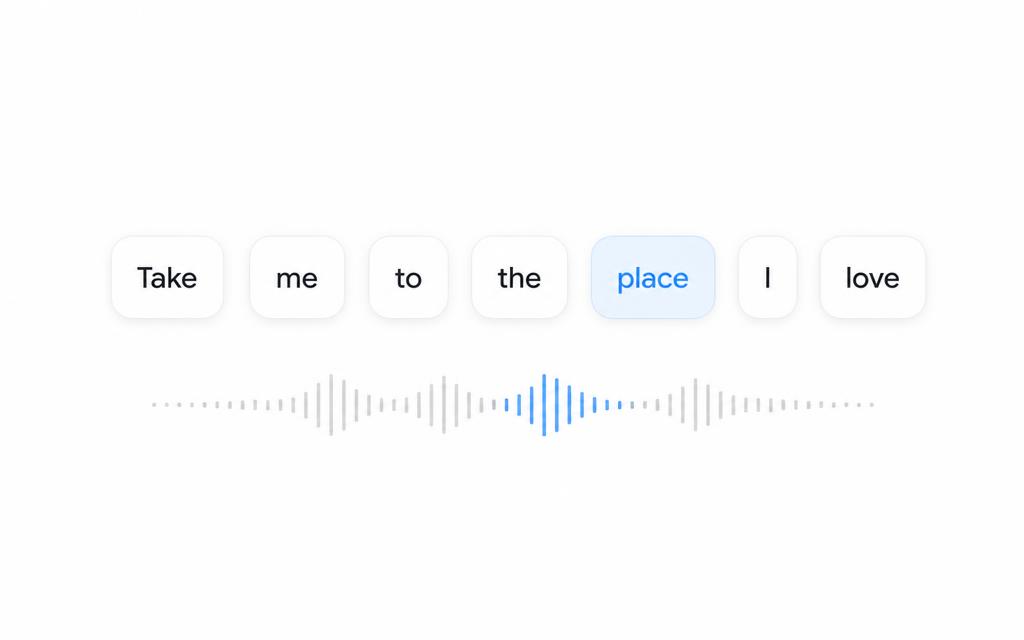
On-device AI scores the moments, writes word-level captions, and reframes for vertical.
Export and post
Save finished clips, or tap Post Now to YouTube from the app.
Pricing
Start free. Pay once when you're ready.
Most clipping tools charge every month, restrict processing with credits, or make you upload your work to the cloud. ClipChip.ai is built differently.
Forever Free
$0
free forever.
Try ClipChip with no time limit.
- All core features
- 3 exports per day
- 720p max resolution
- ClipChip.ai watermark
- No credit card required
Lifetime
One-Time Payment · No Subscription$99
one-time payment.
No renewals. No subscriptions. Ever.
- Unlimited exports
- No watermark
- Up to 4K export
- All core features
7-day money-back guarantee. Requires Apple Silicon Mac, macOS 26+.
Get Lifetime — $99Questions before you download.
- What do I need to run ClipChip.ai?
- A Mac with Apple Silicon (M1 or later) running macOS 26 (Tahoe) or later. 16 GB of RAM is recommended. Intel Macs are not supported.
- What does Forever Free include?
- Every core feature, 3 exports per local calendar day, a 720p maximum export resolution, and a ClipChip.ai watermark on exports. No credit card, no account required.
- What is the refund policy?
- 7-day money-back guarantee. Email help@clipchip.ai within 7 days of purchase for a full refund. There is no subscription to cancel.
- Does it work offline?
- Yes. Transcription, scoring, captions, reframing, and export run on your Mac. The internet is only used when you choose to post to YouTube or Instagram, activate a license, check for updates, or import from a URL.
- How is this different from OpusClip or Descript?
- Those are subscriptions billed every month — OpusClip Pro is $29/month and Descript Creator is $24–35/month — and they process your footage in the cloud. ClipChip is $99 once, runs on your Mac, and has no credits to ration.
Help shape ClipChip.ai
Have an idea that would make ClipChip.ai better? Tell us what you want us to build.